

STEP 01
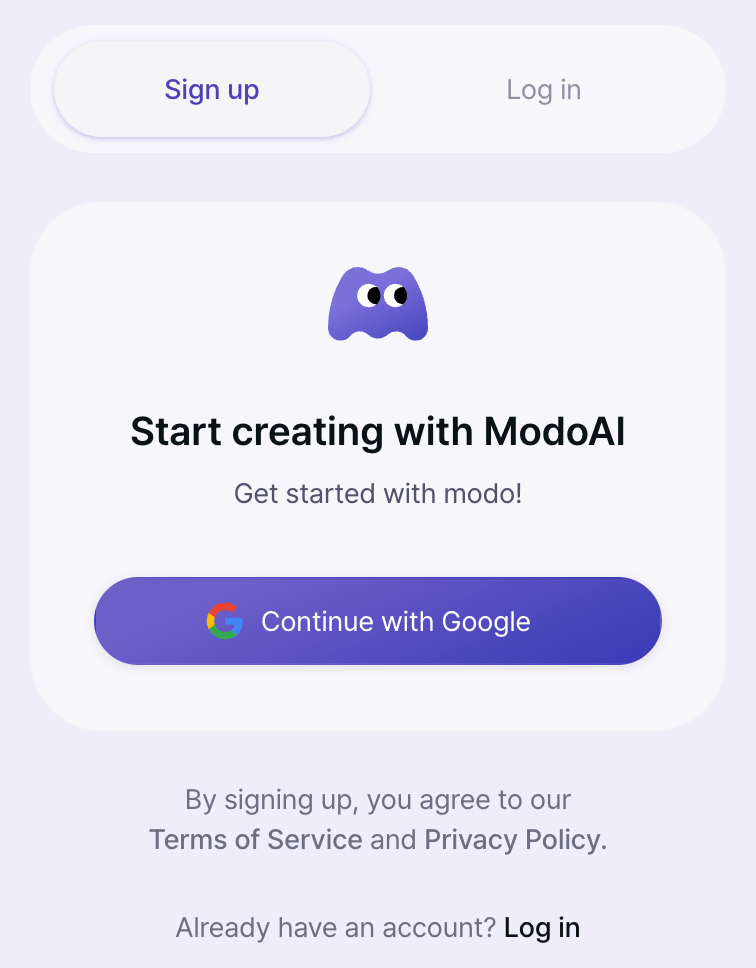
Sign Up with Google
Go to app.modoai.io and agree to the required terms.
Select Continue with Google and your account is created right away.
Google sign-upNo card required
🎁 20 free credits when you sign upTry 20 free shots before you pay.
Sign-up credits are valid for 7 days and given once per account.
Sign-up credits are valid for 7 days and given once per account.
STEP 02
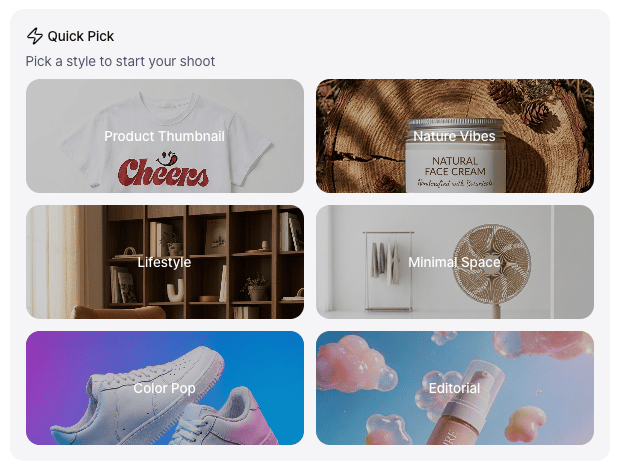
Pick a Style with Quick Pick
The fastest way to get started.
Select a style from Quick Pick on the home screen.
The workspace opens with your chosen style pre-selected.
- Want AI recommendations? Try Style Work
- Want to choose your own background? Try Studio Work Beta
STEP 03
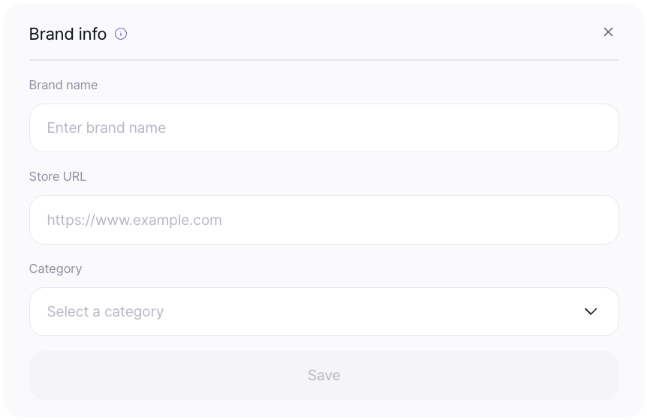
Save Your Brand Info
Open Brand info at the top of the workspace.
Enter your brand name, store URL, and category, then select Save.
ModoAI will tailor its suggestions to your brand.
STEP 04
Upload a Photo and Plan Concepts
- Upload one front-view photo
- Select Start with 1 and ModoAI analyzes your product
- Review the styles and select Start concept planning
STEP 05
Pick a Concept and Shoot
- Choose one of the concepts ModoAI suggests
- Choose an aspect ratio and select Start image shoot
Each image you create uses 1 credit.
STEP 06
Refine with Edit
If there’s anything you’d like to change, describe it in one sentence in Edit.
ModoAI restyles that shot in the direction you want.
- Your first edit is free, and each edit after that uses 1 credit